


 CarTFT.com
Documentations
Fleet Navigator / Truck Navigator : Step-by-Step to the target
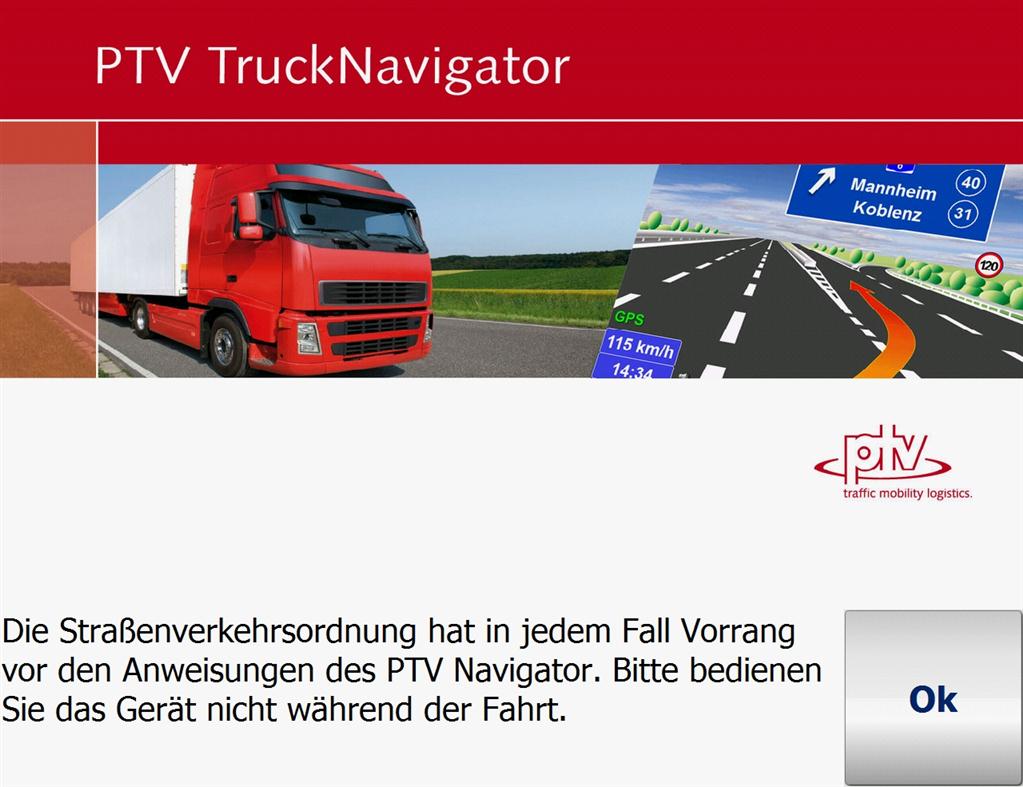
|
Fleetnavigator program starts |
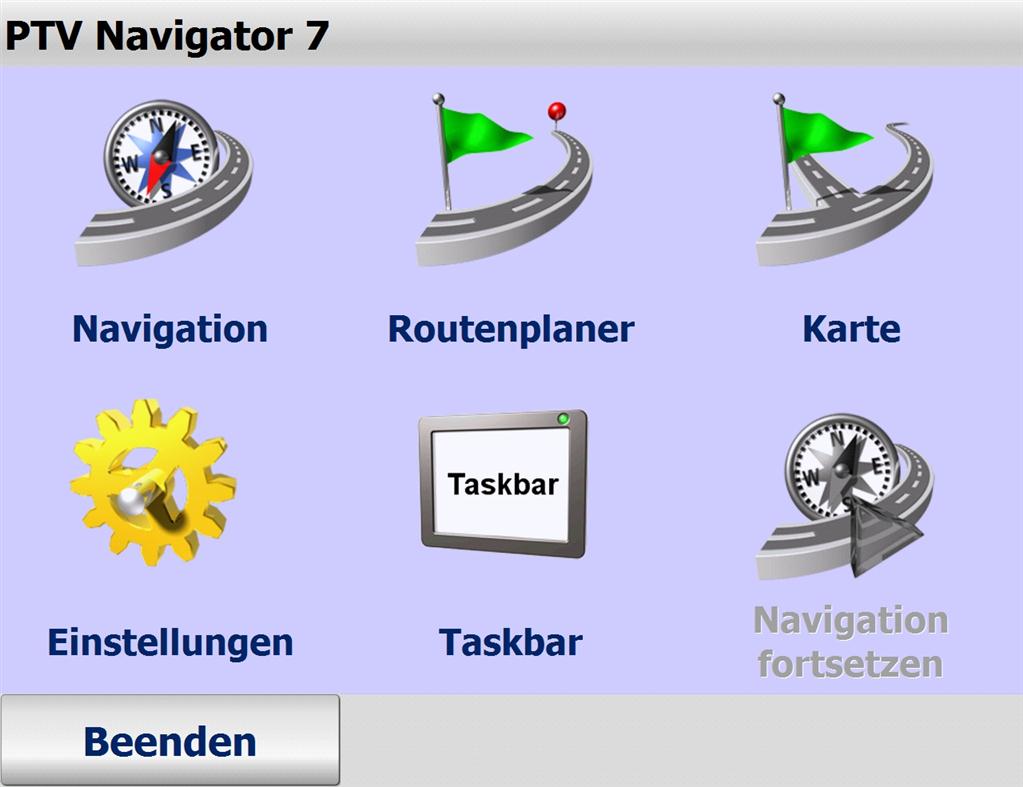
|
Main menu. |
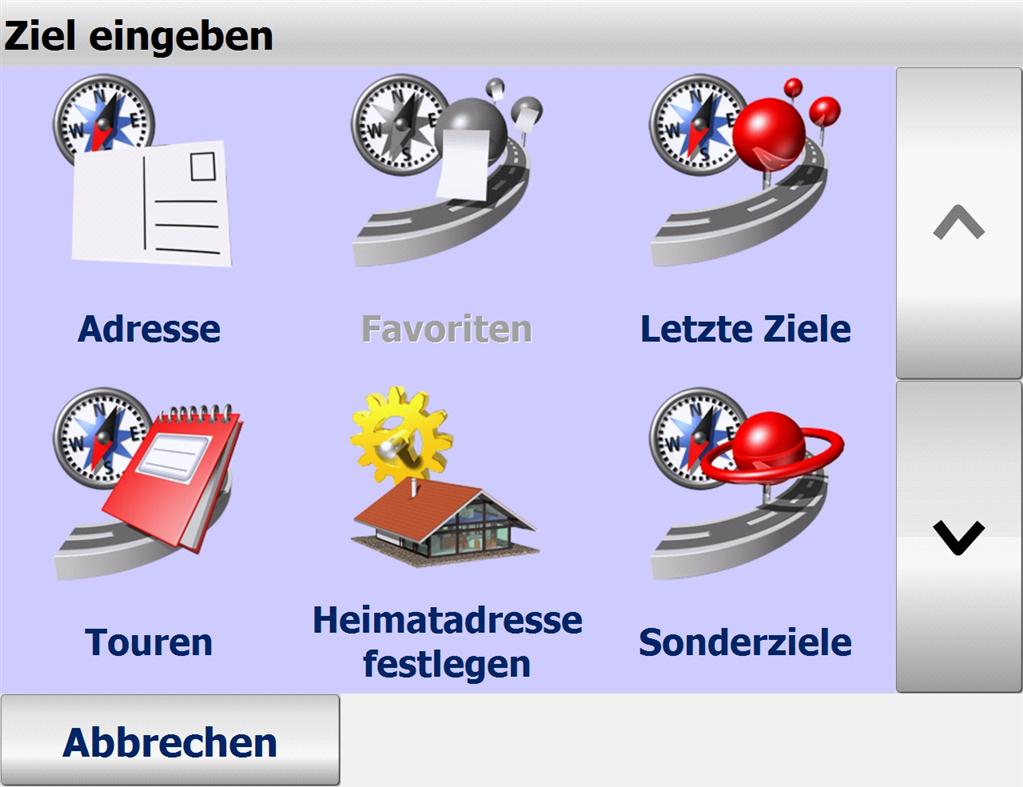
|
Atfer selecting Navigation in the main menu we now are in the navigation submenu. |
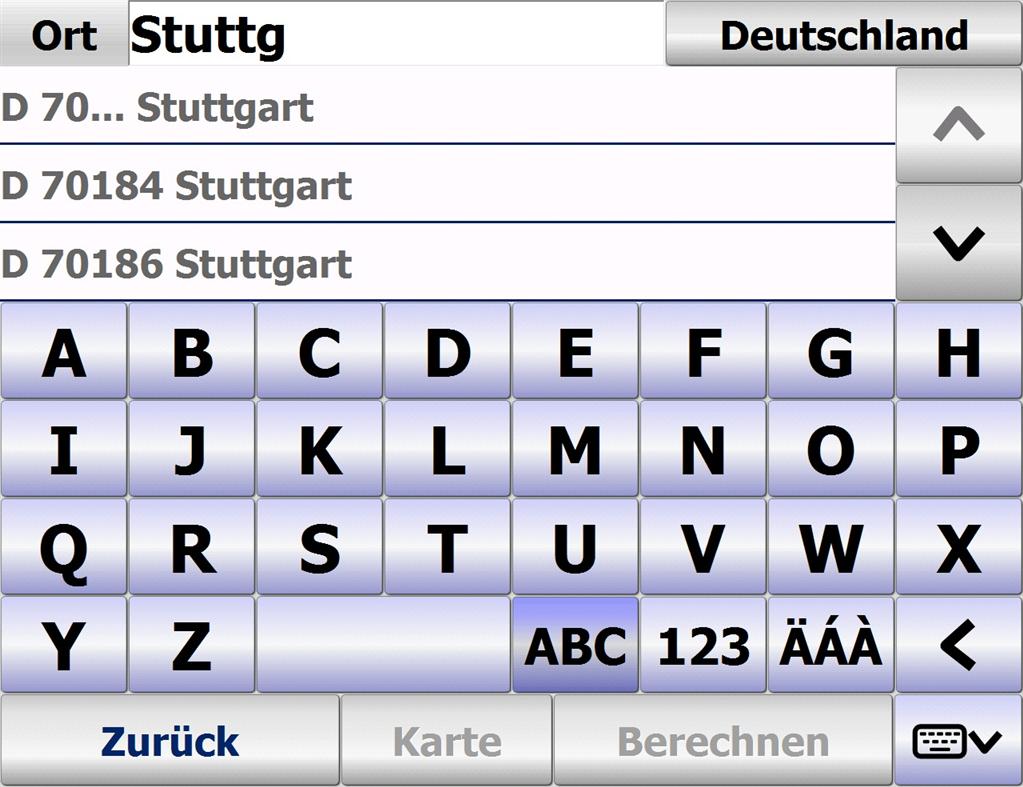
|
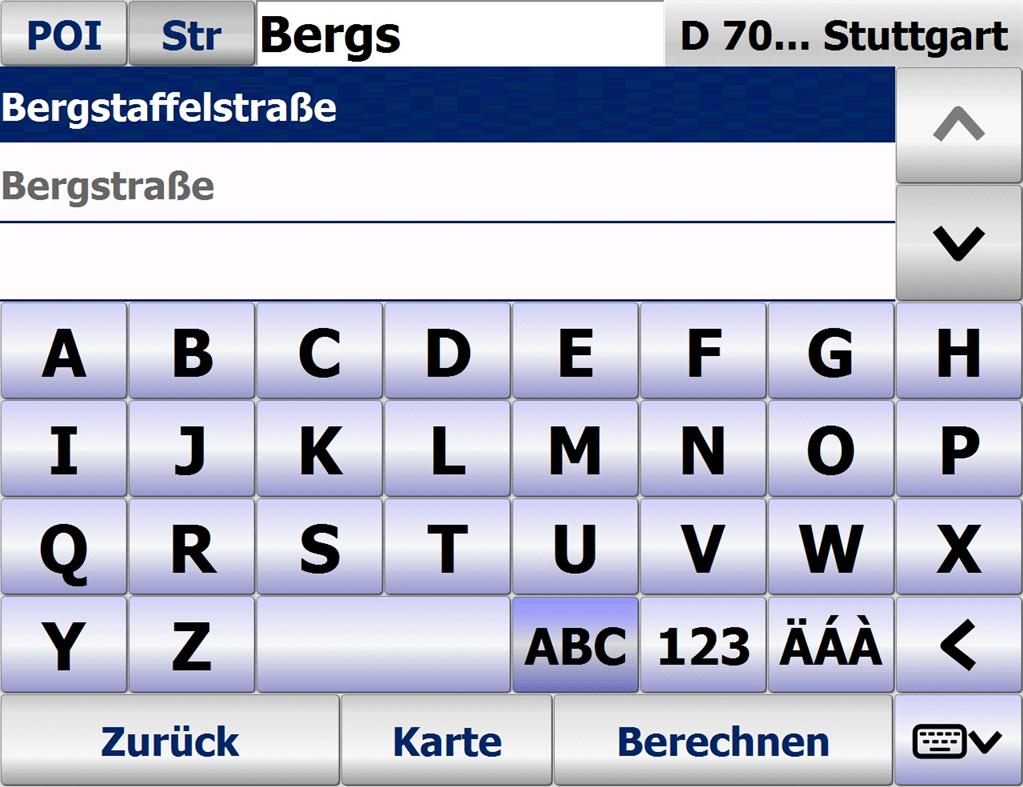
In this next step we enter the target. Fleet-Navigator gives you suggestions on the target while you enter more letters. |
|
Now enter the street name.... |
|
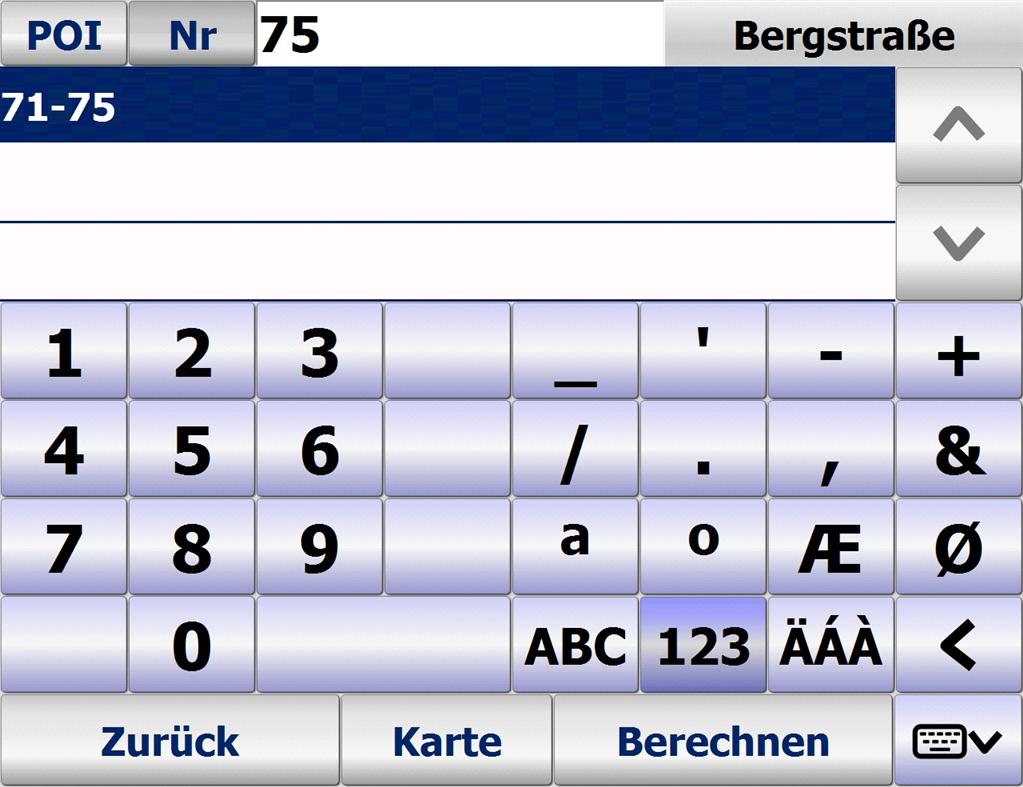
... and the house number. |
|
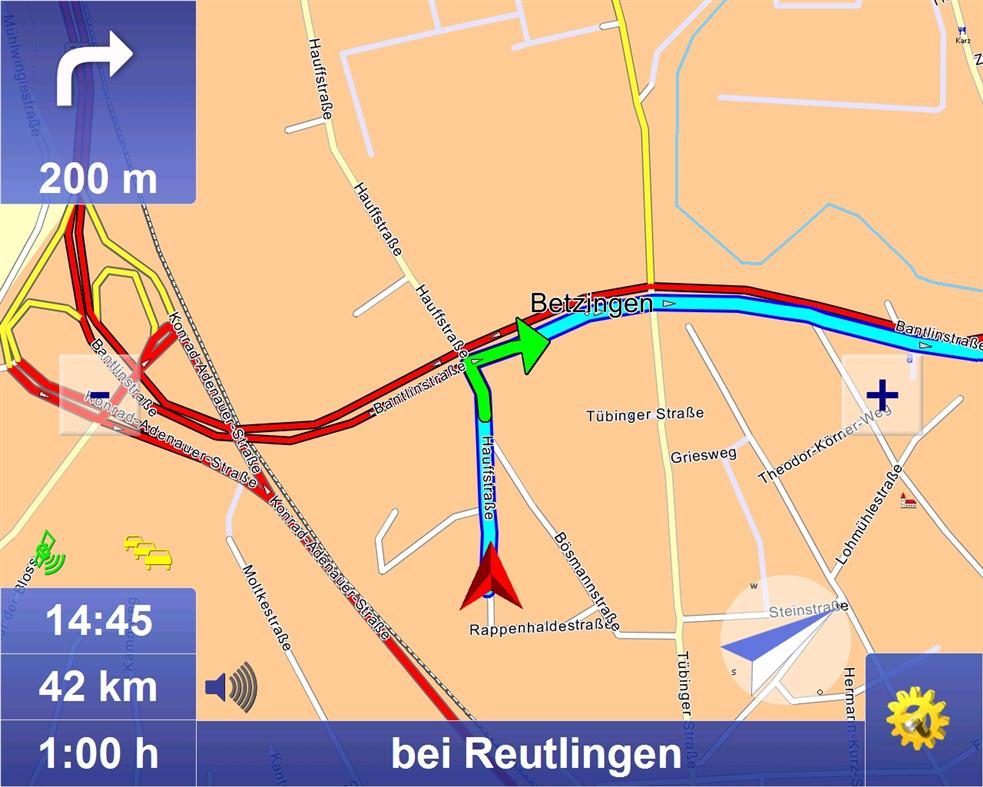
The target has been entered and navigation just started. |
|
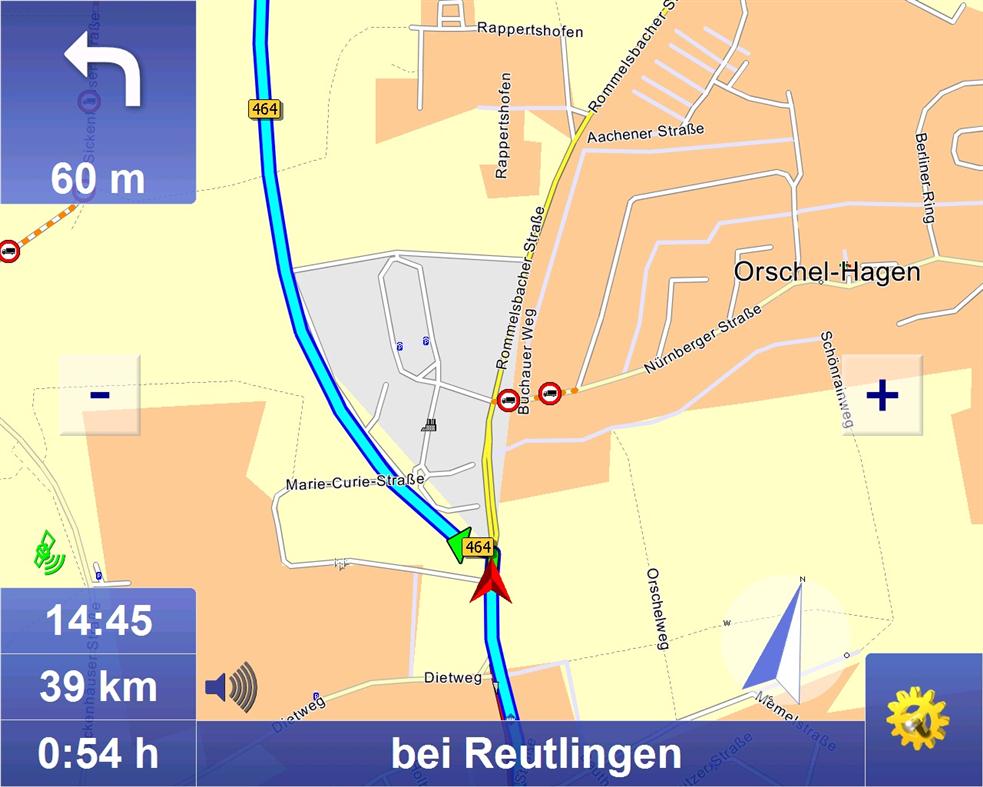
The target leading is visualized with direction arrows and brief driving instructions, the map with actual position and other hints. And a feminine voice tells you where to drive. Have a good trip ! |
|
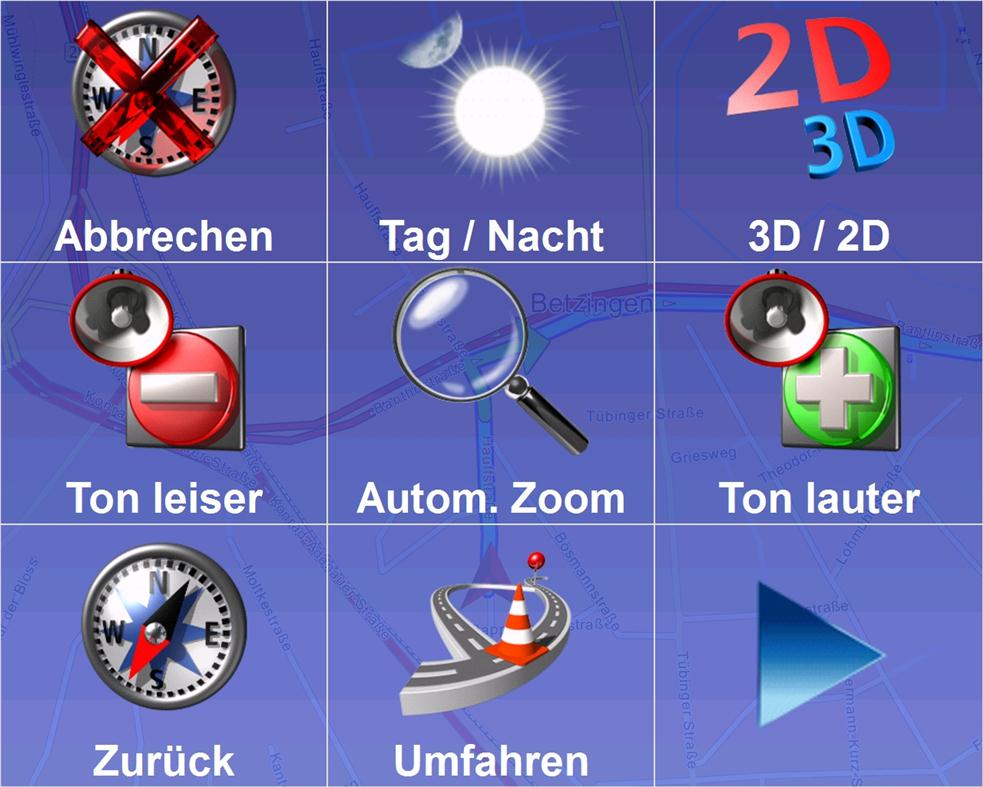
The easy to access options menu. |
| There also are other visual modes available : 2D/3D, nightview,... | |